
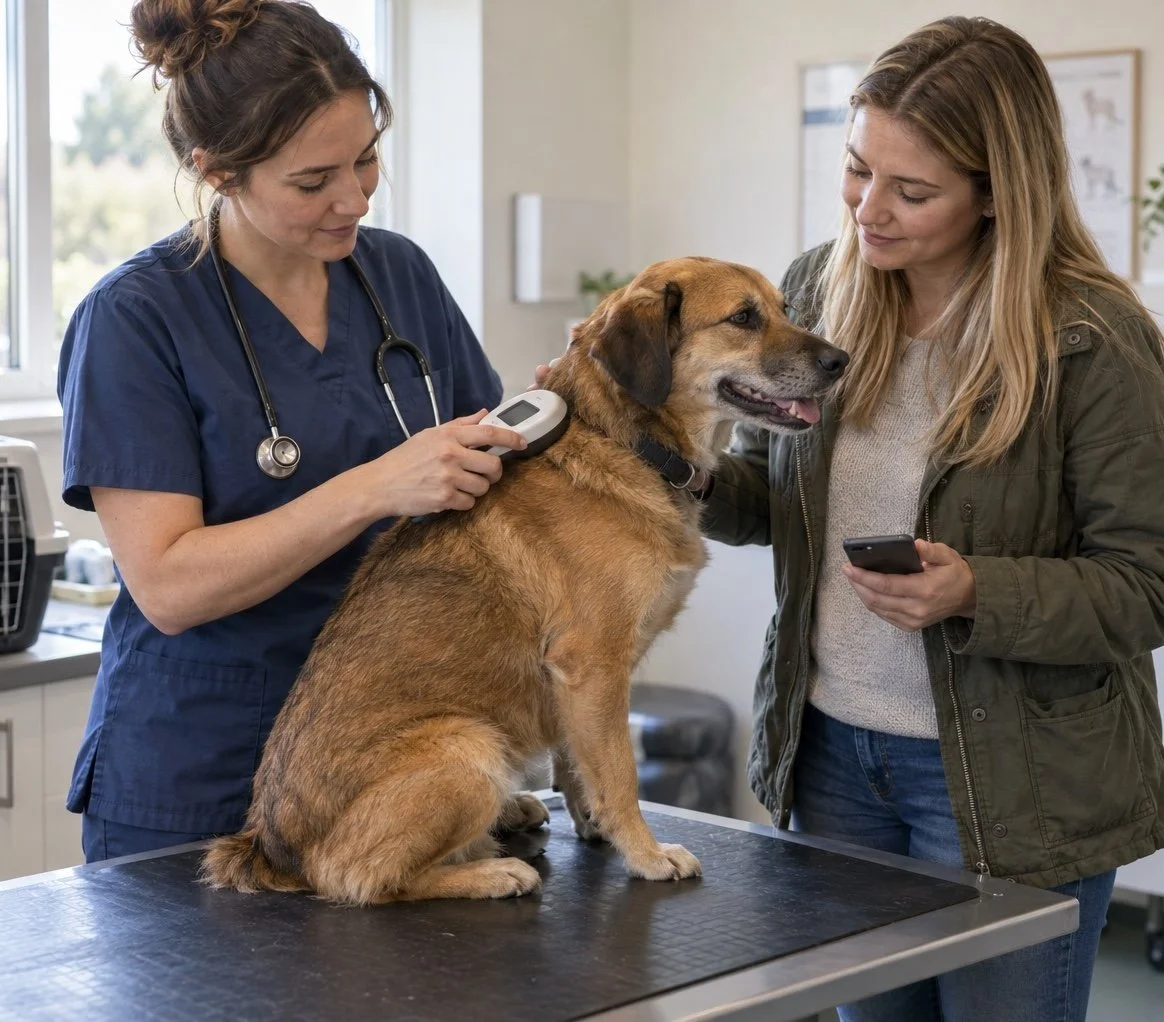
Having your dog or cat microchipped is one of the most important things you can do to help them get home if they go missing. But implanting the chip is only the first step.
For the system to work as you expect, the number must be registered correctly, you must be listed as the current keeper, and the database needs a phone number and address that still reach you.
Recent research from Battersea shows why that matters. In its 2026 survey of 50 UK local authorities, 87% of stray dogs could not be reunited with their owners using a microchip alone because information was missing, inaccurate or unavailable. Almost a third—32%—were not microchipped, while 34% had outdated keeper details.
So yes, your pet’s chip will work, but that’s only the start of the story.
What does a pet microchip actually do?
A pet microchip is a small identification (RIFD) device placed under the skin. It contains a unique number. It does not contain your address, hold medical records or work like a GPS tracker.
When a vet, rescue centre or dog warden scans the chip, the number can be used to identify the database on which the pet is registered. An authorised person can then use the contact details on that database to try to reach the keeper.
That means the chip and its registration record need to work together.
There are four steps to making a microchip genuinely useful:
1. Get your pet microchipped (it’s compulsary for dogs, cats and horses in England)
2. Make sure the number is registered on an approved database: Boop can help you find out where your chip is registered.
3. Keep the keeper and contact details up to date.
4. Know the chip number and where the record is held by storing it safely in your Boop app.
If your pet went missing tonight, could you complete all four steps immediately?
What are the UK microchipping rules?
At time of writing, all dogs in the UK must normally be microchipped and registered by eight weeks of age. In England, owned cats must normally be microchipped and registered by 20 weeks of age—including cats that live indoors. Cat microchipping rules differ in Scotland, Wales and Northern Ireland.
Keepers are responsible for updating their details when they change. In England, an owner whose dog or cat is not microchipped and registered when legally required can face a fine of up to £500. You can check the current rules and approved databases on the GOV.UK microchipping page.
Why does the database matter?
The UK does not have one database holding every pet's registration. At the time of writing, GOV.UK lists 24 database operators that meet government standards. When compulsory dog microchipping was introduced in 2016, there were four.
More choice is not necessarily bad, but it can make records harder to locate. The Government has acknowledged that the growth in database operators has made it harder for vets and other authorised users to access records quickly. It is working with the industry to improve access and data accuracy.
Owners do not need to understand the whole system. You do need to know which database holds your pet's record and how to contact it.
One important note however is to make sure you don’t register on more than one database. Duplication can cause confusion when trying to reunite you with your pet.
How to check your pet microchip?
1. Find the microchip number
Look on your pet's microchip paperwork, vaccination record, insurance documents or veterinary records. A standard chip number is usually 15 digits.
Also, ask your veterinary practice to scan your pet each year. This is a useful way to confirm that the chip still reads and that the number in your records matches the one under your pet's skin, as things sometimes do go wrong!
Now you have the number, store it in the Boop app for free, so it’s always in your pocket!
2. Find the database
Once you enter the number in Boop, the app will automatically tell you where the chip is registered to and give you the contact details for that database.
No registration? In that case it’s important to chose a database as quickly as possible. Some databases are free to register, others have a small fee. Just check the terms and conditions and make sure you are chosing a reputible database as quality of service and data sharing varies!
3. Check the registered keeper and contact details
Sign in to the relevant database or give them a call. Check your name, address and telephone number. If the pet has changed keeper, make sure the transfer has been completed rather than assuming it happened automatically.
The database operator may charge a fee for an update but it’s your legal responsiblity to make sure details are up to date.
The seven question microchip check?
Ask yourself:
• Do I know my pet's microchip number?
• Do I know which database it is registered with?
• Is the chip actually registered?
• Am I listed as the current keeper?
• Is my mobile number correct?
• Is my home address correct?
• Could I find this information immediately if my pet went missing?
If the answer to any question is “no” or “I'm not sure”, that is the place to start. Use Boop to help with keeping everything in one place for all your pets.
When should you check the details again?
Check them whenever:
• you move home;
• your phone number or email address changes;
• you buy, adopt or rehome a pet;
• somebody else becomes the registered keeper; or
• you discover a spelling or number error.
It is also sensible to make a chip check part of your pet's regular health routine. An annual reminder is much easier than trying to remember when life is already busy.
Remember that dogs must still wear a collar and an identification tag in public where the law requires it. A visible tag can help somebody contact you immediately; a microchip provides lasting identification if the collar is lost or removed.
What can your veterinary practice help with
Veterinary practices are well placed to make microchip checks part of routine care. When a vet or nurse scans a pet, they can confirm that a chip is present and readable, help you record the number and point you towards finding the relevant database.
They cannot update the keeper's private database account for you. That final check remains the keeper's responsibility, so follow the database's official process to confirm or change the details.
Make the check easier with Boop
Boop keeps your pet's microchip number alongside vaccination records, parasite treatments, insurance details, weight and other health information. Its automatic lookup can show where the chip is registered, helping you verify the registration and find the right contact route when details need updating.
Getting the chip implanted is step one. Download Boop, add your pet's microchip number and complete the other three steps today.
This article provides general information for UK pet owners and is not legal or veterinary advice. Rules can change and differ by nation, so check the current government guidance.